

⚡ Claim Your FusionClubTV Free Trial
No credit card required • Instant activation
These easy steps will help you get to and make the most of your channel list, which will improve your entertainment experience.
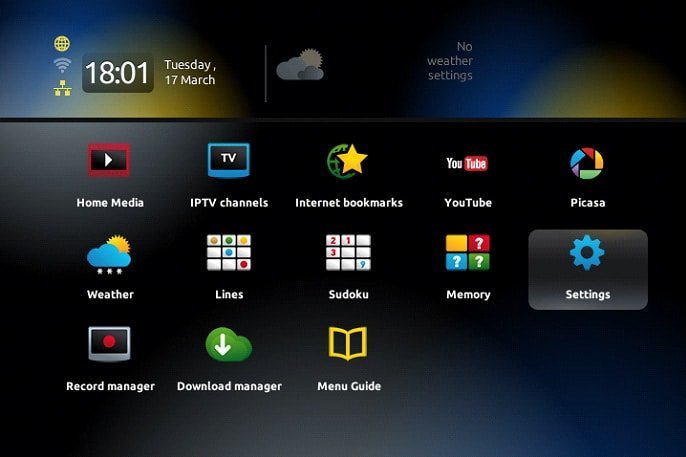
- Press the "OK" button on your remote to start using your channel list.
- Pressing the "Exit" button next to the arrows will make navigation easy.
- By selecting "Settings," you can get to the full settings menu.
- and making sure with one more "OK" press.
- Check out the "Localization" section to make sure that the time settings are just right for you.
- To get your system back in sync, go back to the "Servers" menu and type in "pool.ntp.org."
- Within the next 24 hours, your updates will work with no problems.
⚡ Claim Your FusionClubTV Free Trial
No credit card required • Instant activation