
IPTV & CCCAM Trial
Try IPTV & CCCAM Before You Subscribe
IPTV & CCCAM Free Trial
Test FusionClubTV IPTV and CCCAM services before choosing a subscription plan. Enjoy stable streaming, fast activation, and smooth performance on compatible devices.
Try FusionClubTV Before You Subscribe
IPTV & CCCAM Trial
The IPTV trial from FusionClubTV helps you test streaming quality, server stability, device compatibility, activation speed, and overall performance before choosing a full subscription. You can also request a CCCAM trial if you want to test receiver access before buying a longer CCCAM plan.
Page Guide
What Can You Test With the IPTV Trial?
The IPTV trial is designed for users who want to check the service before choosing a 1 month, 3 months, 6 months, or 12 months IPTV subscription. It gives you a practical way to test playback quality, device setup, activation steps, and streaming stability.
Streaming Quality
Test HD, FHD, and 4K streaming performance depending on your device, app, internet speed, and available content source.
Server Stability
The IPTV trial helps you check server response, anti-freeze performance, and smooth playback before subscribing.
Device Compatibility
Test your Smart TV, Android TV, Firestick, MAG, Enigma2, mobile, tablet, Windows, or Mac setup before choosing a plan.
Setup Support
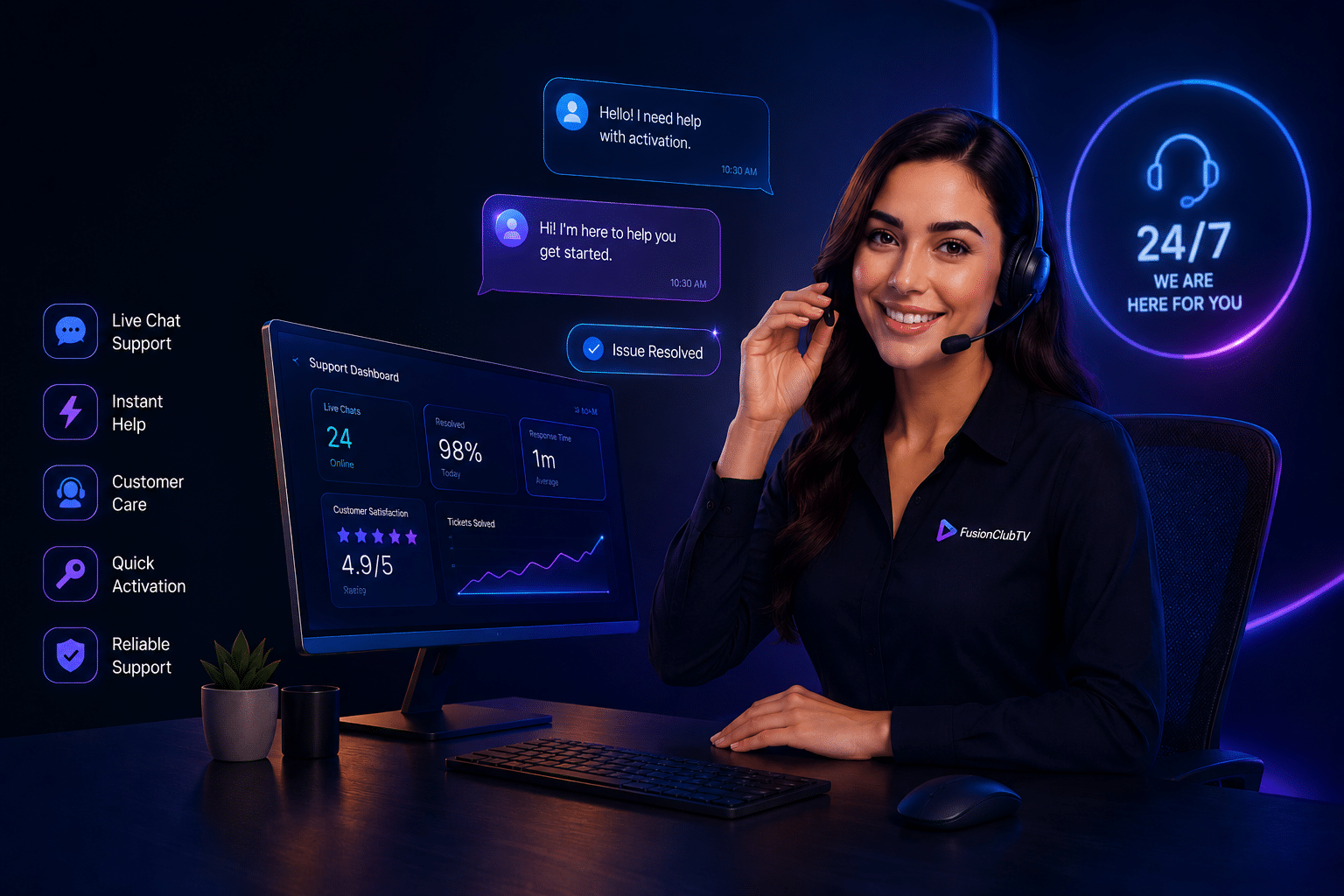
If you need help with activation or configuration, FusionClubTV support can guide you through the setup process.
IPTV Trial for Streaming Quality and Device Setup
The IPTV trial is useful if you want to test live TV, sports, movies, series, entertainment channels, and international content before ordering a full IPTV subscription. It also helps you confirm that your app and device can run the service correctly.
After testing, you can compare all paid options on our IPTV subscription plans page. For longer access, you can also review the 1 month IPTV subscription, 3 months IPTV subscription, 6 months IPTV subscription, or 12 months IPTV subscription.
CCCAM Trial for Receiver Compatibility
If you use a compatible satellite receiver, the CCCAM trial helps you check receiver compatibility, line setup, server response, and access stability before choosing a longer CCCAM subscription.
For users with Enigma2-based receivers, external resources such as the OpenPLi Enigma2 project can help you understand supported receiver environments. You can also compare our full CCCAM subscription plans.
Compatible Devices for IPTV and CCCAM Trial
FusionClubTV can support many popular IPTV devices and receiver setups, including Smart TV, Android TV, Firestick, MAG, Enigma2, mobile devices, tablets, Windows, and Mac. The exact setup depends on your device model, IPTV app, receiver software, internet speed, and activation details.
For Fire TV users, the official Amazon Fire TV Help page can be useful for basic device guidance. For FusionClubTV-specific setup steps, visit our IPTV setup tutorials.
How IPTV Trial Activation Works
- Choose your trial service in the form: IPTV trial or CCCAM trial.
- Add your device model so support can check compatibility.
- Submit your request using the form on this page.
- Wait for confirmation from FusionClubTV support.
- Test the service on your device before choosing a full plan.
If you are not sure which option to choose, contact our FusionClubTV support team before submitting the trial request.
Need Help Before Requesting a Trial?
If you have questions about the IPTV trial, CCCAM trial, device compatibility, app setup, receiver setup, or activation process, contact FusionClubTV before submitting your request. Our support team can help you choose the correct trial type.
Contact SupportIPTV Trial FAQ
What is the IPTV trial for?
The IPTV trial helps you test streaming quality, device compatibility, server stability, activation speed, and setup before choosing a full IPTV subscription.
Can I request a CCCAM trial too?
Yes. If you use a compatible receiver, you can request a CCCAM trial to test receiver access and setup before buying a CCCAM plan.
Which devices can I test?
You can test compatible Smart TV, Android TV, Firestick, MAG, Enigma2, mobile, tablet, Windows, and Mac setups depending on the app or receiver configuration.
What should I include in the form?
Add your name, email, device model, preferred trial type, and any comments that can help support activate the correct service for your setup.
Compare IPTV subscription plans · View CCCAM subscription plans · Read IPTV setup tutorials · Get FusionClubTV support